Eight wallpapers
Awesome backdrops, rendered at 4K
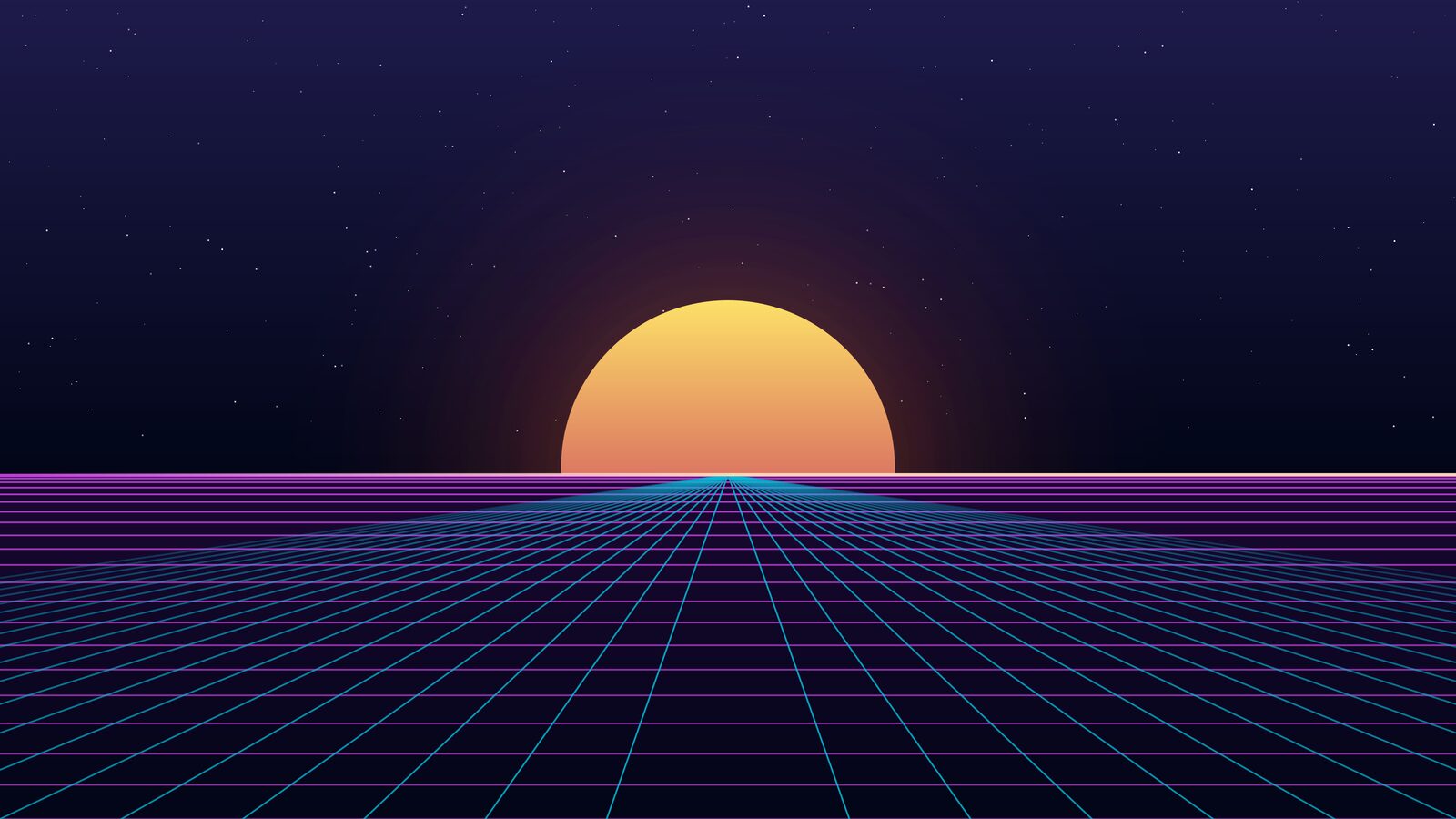
Every wallpaper is drawn in the ChonkBlocker menu style and rendered at native 4K, so your desktop reads like a marquee frame. The theme ships the full set and cycles them with omarchy theme bg next.





One palette, everywhere
The whole desktop retints together
Omarchy's template system fans a single colors.toml out to Hyprland, Waybar, Walker, Mako, your terminal (Alacritty / Foot / Ghostty / Kitty), hyprlock, btop and SwayOSD. Window borders glow amber like a cabinet light; the terminal's ANSI ramp is the game's gem set — red, green, amber, blue, magenta, cyan.
Linux, first-class
Not a port. A priority.
Linux isn't an afterthought for ChonkBlocker — it's a first-class platform the dev team builds and tests on directly, every release. We daily-drive it on Omarchy and genuinely love how sharp the game feels on a Hyprland desktop. This theme is our thank-you to that community.
Install
Get it in three steps
Built for Omarchy (Hyprland / Arch). No toolchain needed — the download already contains the rendered 4K wallpapers.
- Download chonkblocker-omarchy.zip.
- Unzip it into your themes folder:
unzip chonkblocker-omarchy.zip -d ~/.config/omarchy/themes/ - Apply the theme:
omarchy theme set Chonkblocker
Then cycle the eight backdrops any time with omarchy theme bg next, and switch back with omarchy theme set <name>. That's it — go block some chonks.