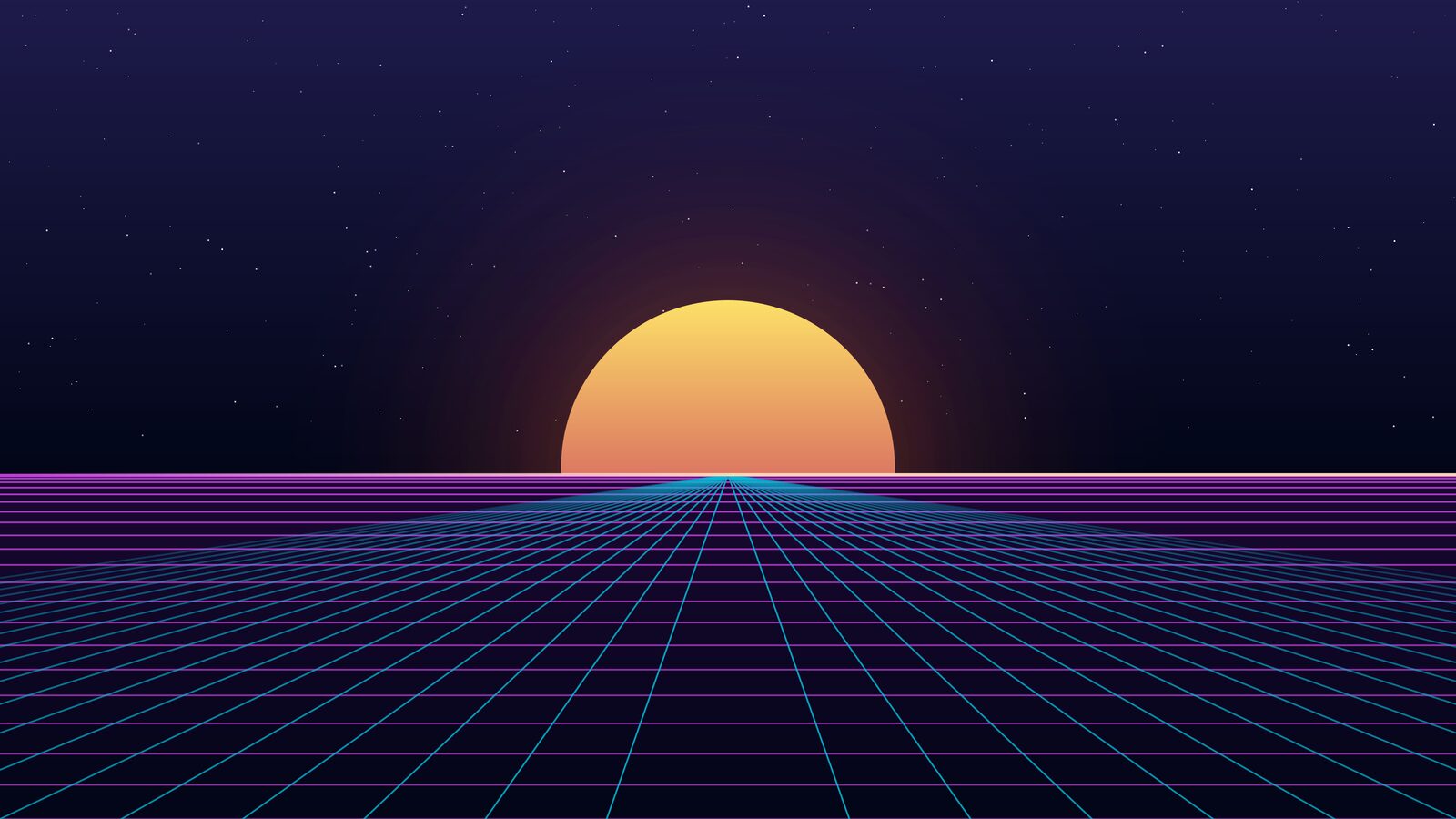
Welcome to the ChonkBlocker dev blog. This is where we'll write about how the game is built — the engine, the backend, the deterministic replay system, all of it — plus the occasional side quest. Today's a side quest.
We built a ChonkBlocker theme for Omarchy, the beautiful Arch + Hyprland distro from DHH and the folks at 37signals. If you run it, you can now skin your entire desktop in the same navy-and-amber arcade palette as the game.
Why bother?
Because Linux isn't an afterthought for us. It's a first-class platform — we build and test the desktop game on Linux every release, and a good chunk of the team daily-drives it. When we landed on Omarchy and saw how sharp Hyprland felt, theming it in ChonkBlocker colors stopped being a maybe and became a this weekend.
There's also a nice bit of history here. Long before this, we shipped an OpenBox desktop theme for the old Raspberry Pi dev box — window borders, a zsh prompt, btop, the works, all in the same palette. Omarchy is the Wayland successor to that experiment.
One palette, everywhere
The nice thing about Omarchy is its theming model. A single colors.toml is the source of truth, and a template system fans those colors out to everything: Hyprland window borders, Waybar, Walker, Mako, your terminal, hyprlock, btop, SwayOSD. Change one file and the whole desktop retints together.
So the theme is really just a well-chosen palette plus wallpapers. We pulled the colors straight from the in-game menus:
accent = "#f59e0b"       # amber marquee light
background = "#0b1220"    # deep navy board
foreground = "#e2e8f0"   # slate text
# ...the ANSI ramp is the game's gem set:
color1 = "#ef4444"       # red
color2 = "#22c55e"       # green
color4 = "#3b82f6"       # blue
color5 = "#d946ef"       # magenta
color6 = "#06b6d4"       # cyan
Window borders glow amber like a cabinet light. Your terminal's red/green/blue/magenta/cyan are literally the gem colors that fall on the board. It's a small thing but it makes the desktop feel like an extension of the game.
The wallpapers
The part we're proudest of: eight 4K wallpapers, all rendered from the same source that draws the game's menu backdrops. Same synthwave horizon, same falling blocks, same warp core — just sized for a desktop instead of a game board.
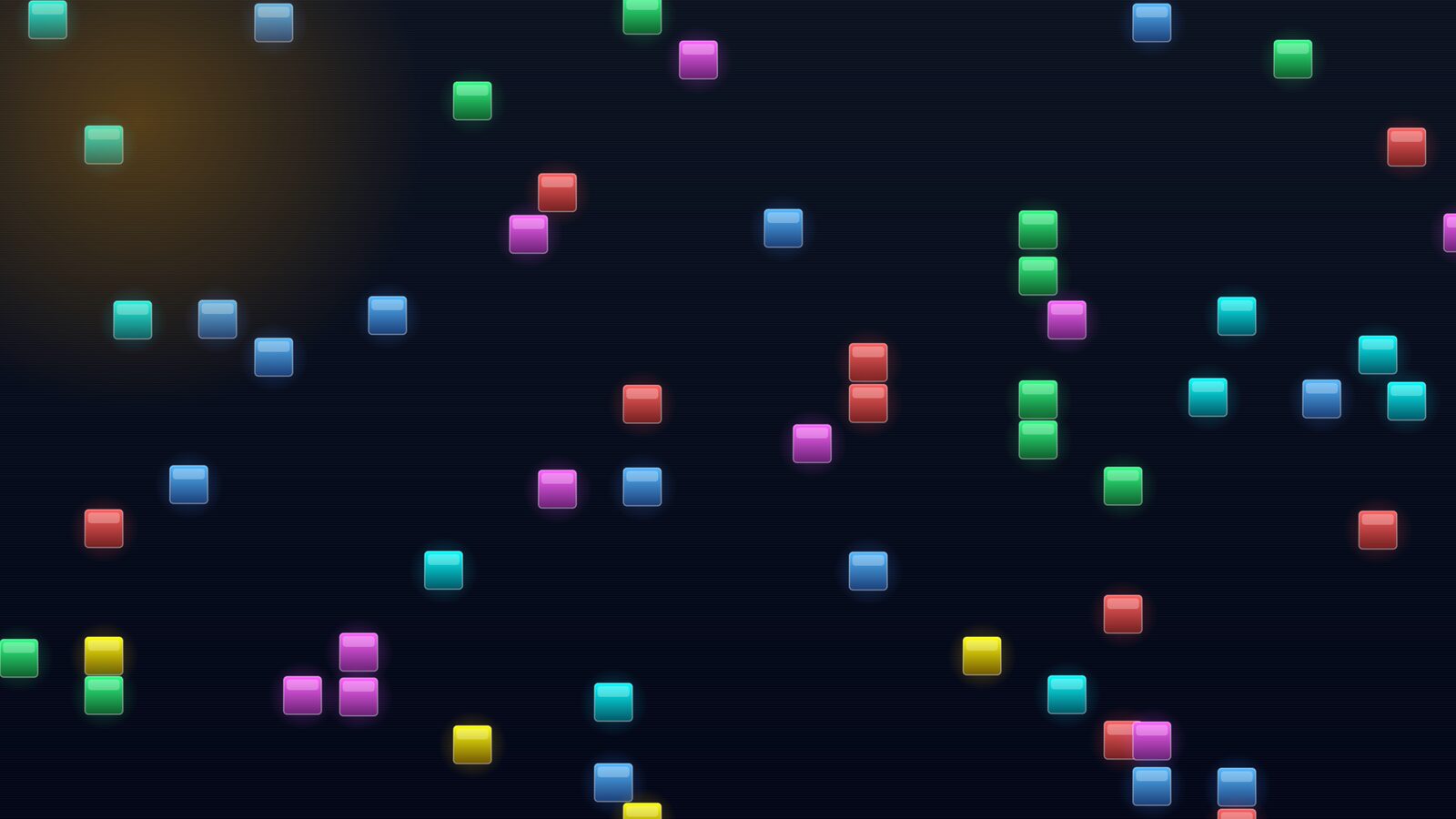
They ship with the theme and cycle with a single command:
omarchy theme bg nextGet it
The whole thing is a download-and-go zip — no toolchain, no build step, the 4K wallpapers are already inside:
unzip chonkblocker-omarchy.zip -d ~/.config/omarchy/themes/
omarchy theme set Chonkblocker
Full details, every wallpaper, and the download live on the theme page.
That's the first post. Next time we'll get into something meatier — probably how the backend keeps thousands of game boards deterministic across clients. Until then: go block some chonks.